I already use Raycast. Is this for me?
If you mostly use it to open apps, yes: that's exactly who it's for. If you already live in a custom Raycast setup all day, you'll know a lot of it.
How much time does it take?
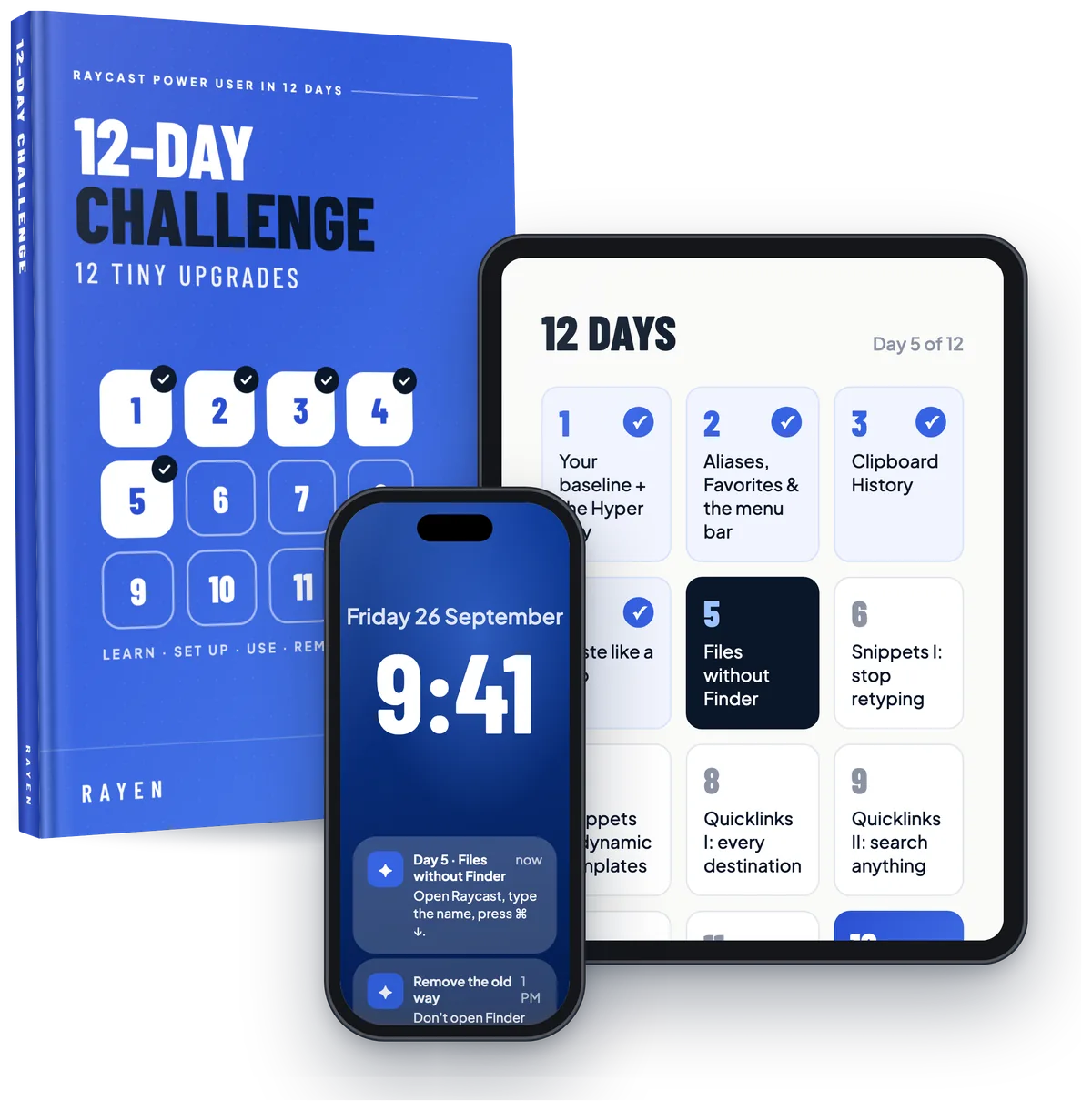
About 30 minutes to set up (shorter than one YouTube rabbit hole), then 5–15 minutes a day for 12 days. You'll feel the first change the same evening.
Does it work on Windows?
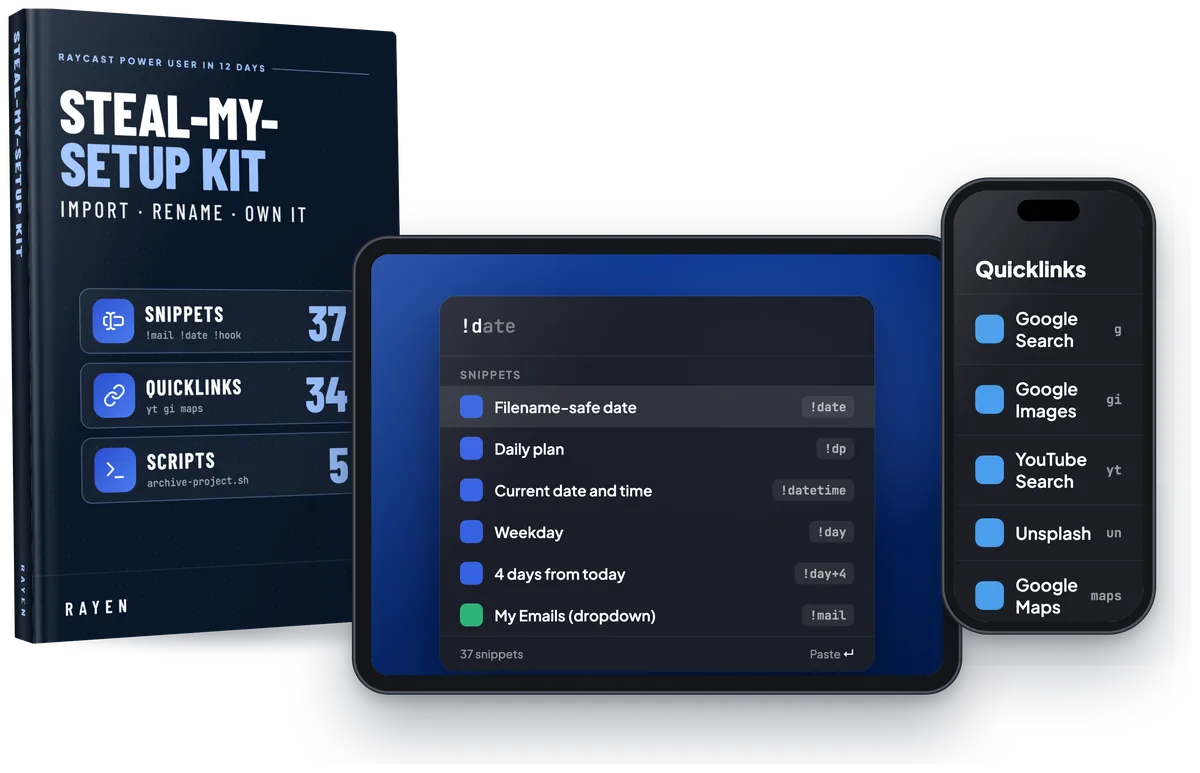
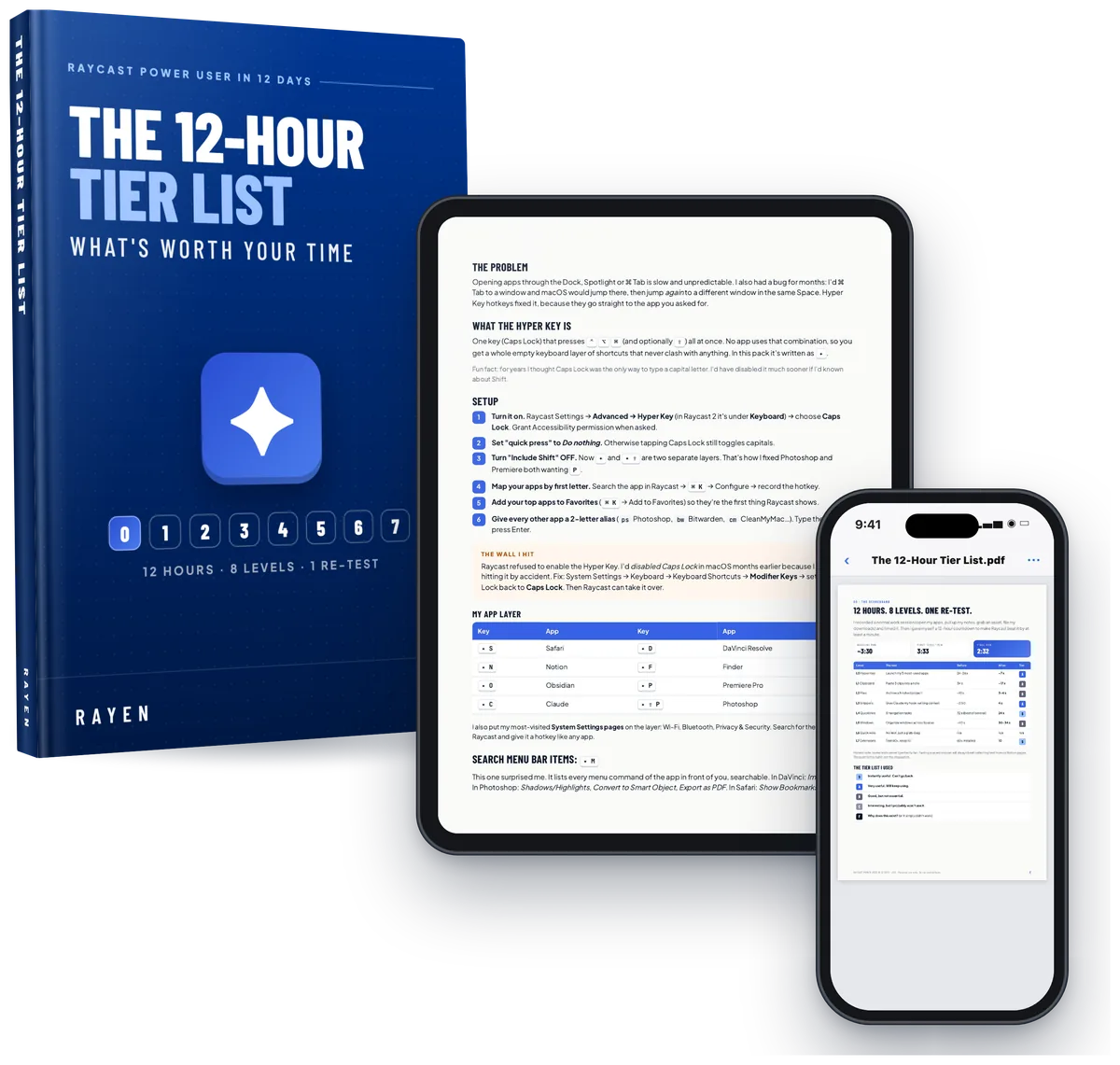
Yes, for the most part. Raycast for Windows covers the core of the program: the Hyper Key, clipboard history, snippets, Quicklinks, window management and file search. It was written and tested on a Mac, so you also get a Windows cheat sheet, and anything Mac-only is marked (like Search Menu Items and the 5 included scripts).
Do I need Raycast Pro, or to code?
No and no. Almost everything works on free Raycast, and Pro-only features are marked. The scripts each have a "change these lines" block, and the Prompt Pack gets AI to write new ones.
Do I have to time myself?
No. The timed progress test is optional, for people who like seeing progress as a number. The 12 days work the same without it.
What format is it?
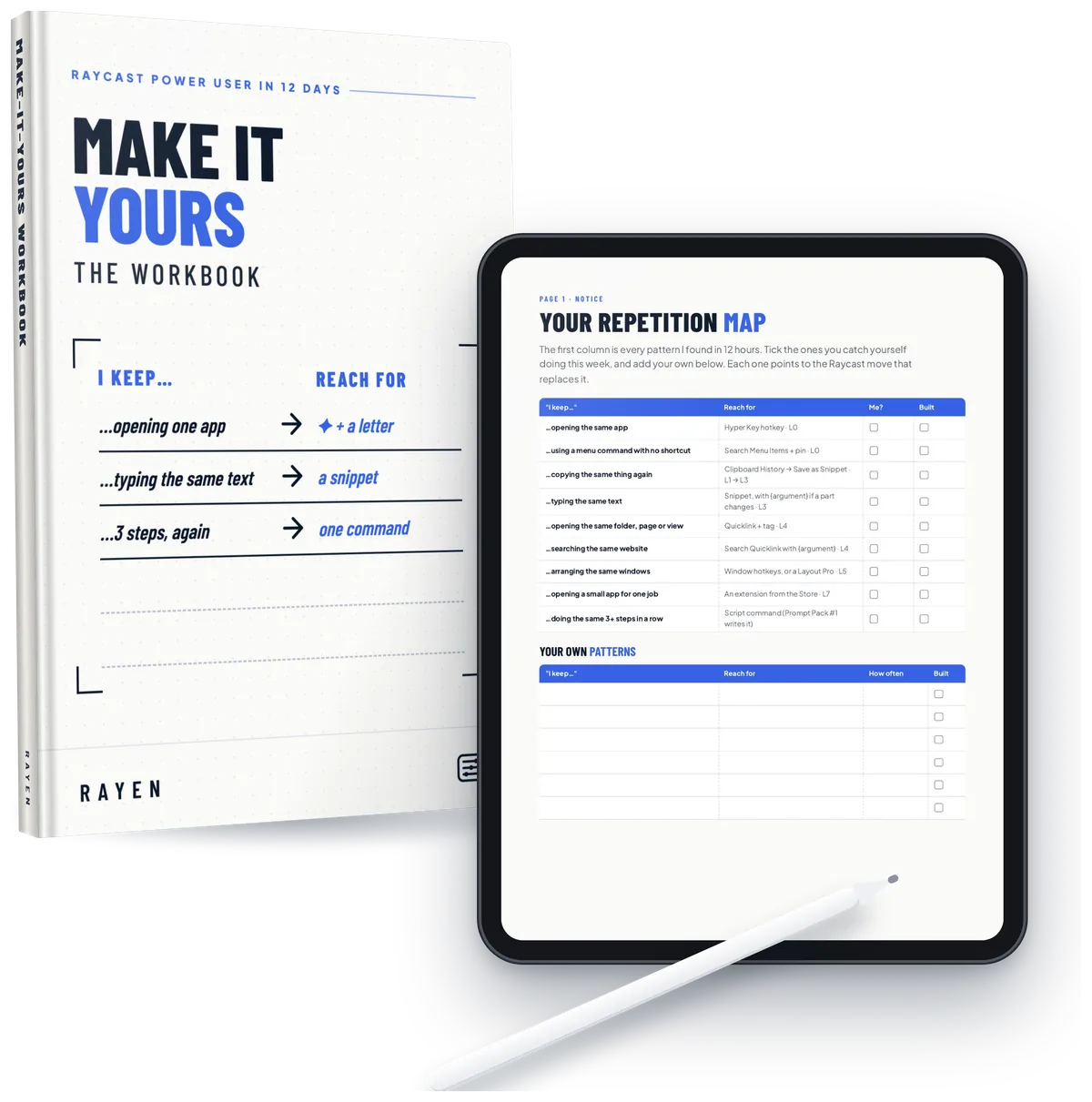
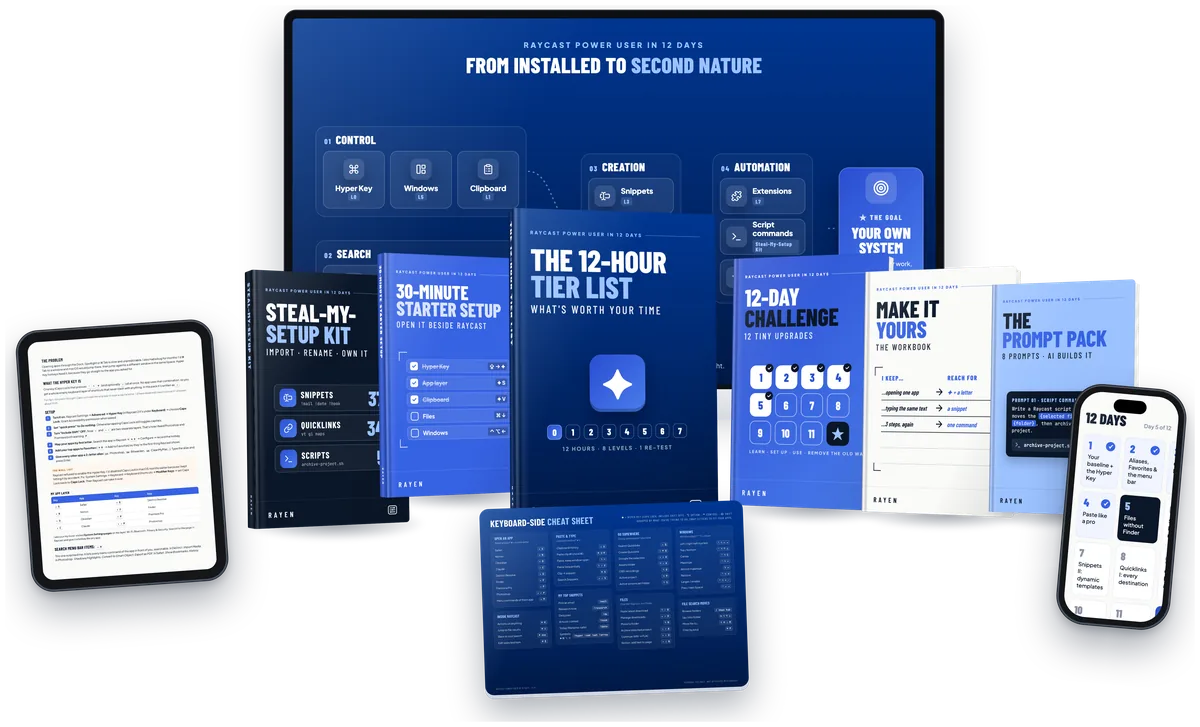
PDFs, importable snippet and Quicklink files, script files, 12 emails and a calendar file with reminders, all from one page. It's not a video course, on purpose: you read one page, then do the move in Raycast yourself. Watching someone else do it doesn't build the habit.
What happens after I pay?
You're taken straight to your welcome page: every file ready to download, a short plan for your first two days, and a box to start the 12 daily emails. Bookmark it so you can always get back. Day 1 arrives a few minutes after you sign up. Stuck? Email rayen@the-control-panel.com.
Can I get a refund?
Everything is a digital download you keep, so sales are final. Before you buy, look through the real pages above, or try the free 10-Minute Speed Test. If a file is broken or you can't get access and I can't fix it within 7 days, you get your money back. Full details in the refund policy.